


Need Help?
Let’s Sort It Out
Get the help you need — quickly take care of most things here or reach out to us if you need further assistance.
Frequently Asked Questions
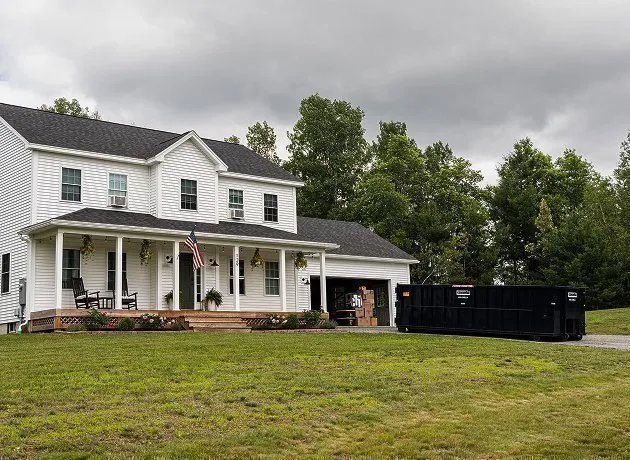
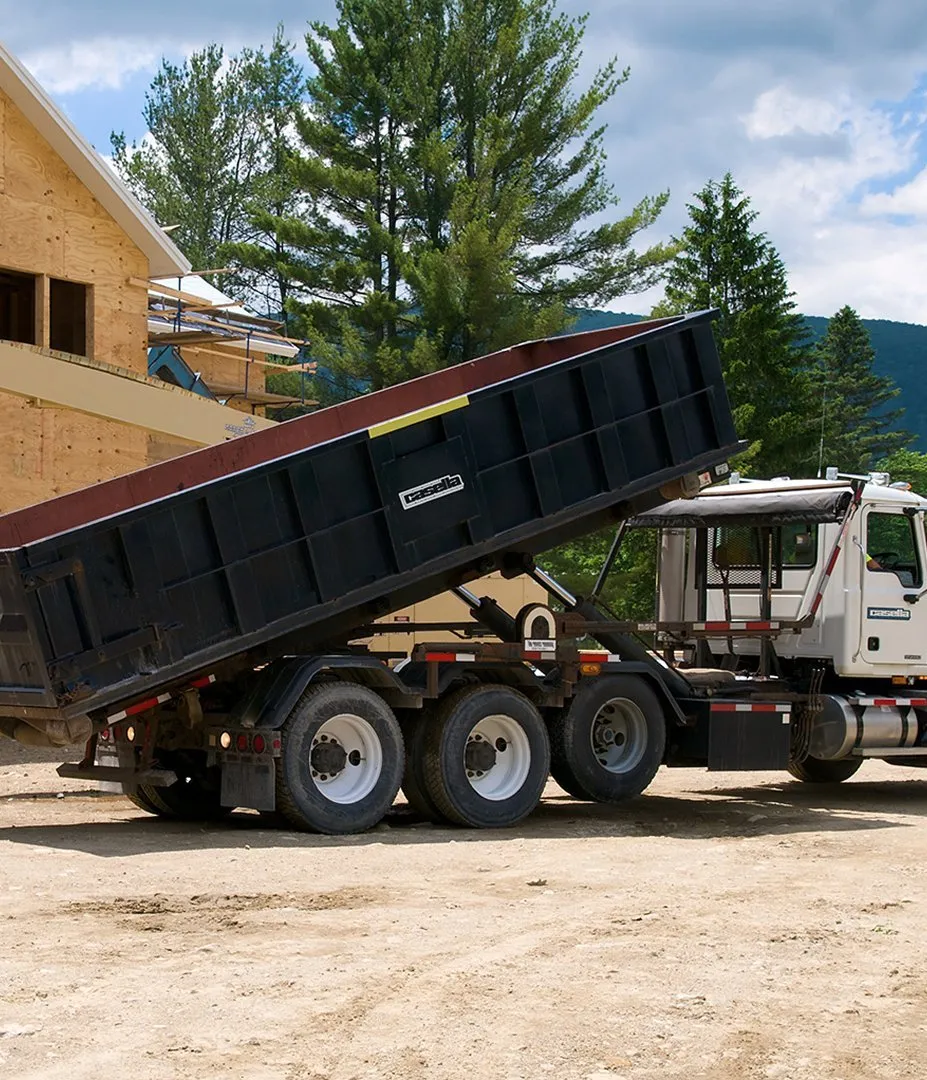
How do I know what size dumpster I need?
Tell us about your project—we’ll help you pick the right size so you’re not paying for space you don’t need.
What can I put in the dumpster?
Most household and construction debris are fine. We’ll give you a list of hazardous materials that are not allowed.
How often should I pump my septic tank?
Most systems should be pumped every 2 to 3 years, but frequency can vary based on household size, water usage, and tank size.
What’s included in a standard porta potty rental?
Each unit comes stocked with toilet paper, hand sanitizer, and proper ventilation. We also offer additional units with sinks, handwashing stations, and ADA-compliant options.
Do you offer luxury or special event units?
Yes! We provide upscale restroom trailers and enhanced units for weddings, festivals, and VIP events.
Is delivery and pickup included?
Yes, delivery, setup, and pickup are all included in your rental. We coordinate everything to ensure a smooth experience.
What items can I put in my trash cart?
Generally, everyday household waste can be placed in your trash cart. However, hazardous waste, electronics, and large items should not be included. Batteries are not allowed in your trash cart.
What should I do with bulk items?
You can schedule bulk waste collection here or by calling our Customer Care team.
Do I need to clean my recyclables before placing them in the bin?
Yes, it's important to rinse and remove food or other debris from your recyclables to prevent contamination and to ensure that they can be properly processed.
Can I throw trash as well as recyclables into my recycling bin?
NO. Your recycling bin is for recyclables only. Items that cannot be recycled should be tossed into your trash bin.
What items can I put in the food waste container?
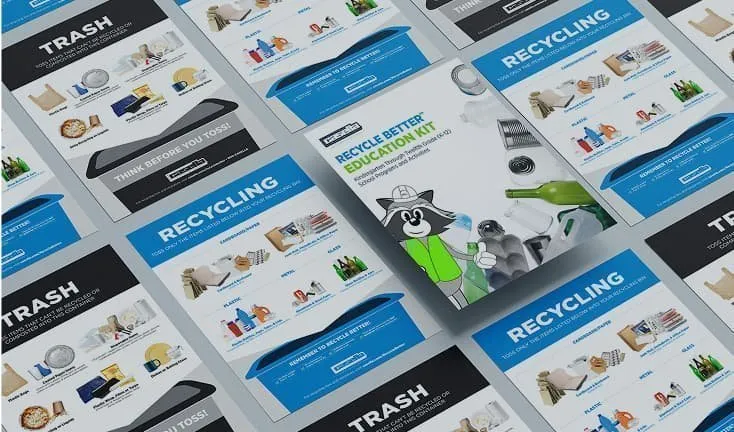
Items such as fruits, vegetables, grains, dairy, meat, fish, eggshells, and bones are acceptable to put into your food waste container. Please see the guide below for more items that are accepted.
What happens to the food waste after collection?
After collection, Casella and our partners help to convert your food scraps to soil, energy, or both.
What items are considered bulk waste?
Bulk waste typically includes large items such as furniture, appliances, mattresses, and other items that are too big for regular trash collection.
How do I schedule a bulk waste pickup?
You can schedule a pickup online through our website or by calling our Customer Care team at 800-CASELLA.
Can you service both residential and commercial septic tank systems?
Yes! Casella provides septic services for homes, businesses, and municipal systems of all sizes.
How do I know what size dumpster I need?
Tell us about your project—we’ll help you pick the right size so you’re not paying for space you don’t need.
What can I put in the dumpster?
Most household and construction debris are fine. We’ll give you a list of hazardous materials that are not allowed.
How often should I pump my septic tank?
Most systems should be pumped every 2 to 3 years, but frequency can vary based on household size, water usage, and tank size.
What’s included in a standard porta potty rental?
Each unit comes stocked with toilet paper, hand sanitizer, and proper ventilation. We also offer additional units with sinks, handwashing stations, and ADA-compliant options.
Do you offer luxury or special event units?
Yes! We provide upscale restroom trailers and enhanced units for weddings, festivals, and VIP events.
Is delivery and pickup included?
Yes, delivery, setup, and pickup are all included in your rental. We coordinate everything to ensure a smooth experience.
What items can I put in my trash cart?
Generally, everyday household waste can be placed in your trash cart. However, hazardous waste, electronics, and large items should not be included. Batteries are not allowed in your trash cart.
What should I do with bulk items?
You can schedule bulk waste collection here or by calling our Customer Care team.
Do I need to clean my recyclables before placing them in the bin?
Yes, it's important to rinse and remove food or other debris from your recyclables to prevent contamination and to ensure that they can be properly processed.
Can I throw trash as well as recyclables into my recycling bin?
NO. Your recycling bin is for recyclables only. Items that cannot be recycled should be tossed into your trash bin.
What items can I put in the food waste container?
Items such as fruits, vegetables, grains, dairy, meat, fish, eggshells, and bones are acceptable to put into your food waste container. Please see the guide below for more items that are accepted.
What happens to the food waste after collection?
After collection, Casella and our partners help to convert your food scraps to soil, energy, or both.
What items are considered bulk waste?
Bulk waste typically includes large items such as furniture, appliances, mattresses, and other items that are too big for regular trash collection.
How do I schedule a bulk waste pickup?
You can schedule a pickup online through our website or by calling our Customer Care team at 800-CASELLA.
Can you service both residential and commercial septic tank systems?
Yes! Casella provides septic services for homes, businesses, and municipal systems of all sizes.
How do I know what size dumpster I need?
Tell us about your project—we’ll help you pick the right size so you’re not paying for space you don’t need.
What can I put in the dumpster?
Most household and construction debris are fine. We’ll give you a list of hazardous materials that are not allowed.
How often should I pump my septic tank?
Most systems should be pumped every 2 to 3 years, but frequency can vary based on household size, water usage, and tank size.
What’s included in a standard porta potty rental?
Each unit comes stocked with toilet paper, hand sanitizer, and proper ventilation. We also offer additional units with sinks, handwashing stations, and ADA-compliant options.
Do you offer luxury or special event units?
Yes! We provide upscale restroom trailers and enhanced units for weddings, festivals, and VIP events.
Is delivery and pickup included?
Yes, delivery, setup, and pickup are all included in your rental. We coordinate everything to ensure a smooth experience.
What items can I put in my trash cart?
Generally, everyday household waste can be placed in your trash cart. However, hazardous waste, electronics, and large items should not be included. Batteries are not allowed in your trash cart.
What should I do with bulk items?
You can schedule bulk waste collection here or by calling our Customer Care team.
Do I need to clean my recyclables before placing them in the bin?
Yes, it's important to rinse and remove food or other debris from your recyclables to prevent contamination and to ensure that they can be properly processed.
Can I throw trash as well as recyclables into my recycling bin?
NO. Your recycling bin is for recyclables only. Items that cannot be recycled should be tossed into your trash bin.
What items can I put in the food waste container?
Items such as fruits, vegetables, grains, dairy, meat, fish, eggshells, and bones are acceptable to put into your food waste container. Please see the guide below for more items that are accepted.
What happens to the food waste after collection?
After collection, Casella and our partners help to convert your food scraps to soil, energy, or both.
What items are considered bulk waste?
Bulk waste typically includes large items such as furniture, appliances, mattresses, and other items that are too big for regular trash collection.
How do I schedule a bulk waste pickup?
You can schedule a pickup online through our website or by calling our Customer Care team at 800-CASELLA.
Can you service both residential and commercial septic tank systems?
Yes! Casella provides septic services for homes, businesses, and municipal systems of all sizes.
How do I know what size dumpster I need?
Tell us about your project—we’ll help you pick the right size so you’re not paying for space you don’t need.
What can I put in the dumpster?
Most household and construction debris are fine. We’ll give you a list of hazardous materials that are not allowed.
How often should I pump my septic tank?
Most systems should be pumped every 2 to 3 years, but frequency can vary based on household size, water usage, and tank size.
What’s included in a standard porta potty rental?
Each unit comes stocked with toilet paper, hand sanitizer, and proper ventilation. We also offer additional units with sinks, handwashing stations, and ADA-compliant options.
Do you offer luxury or special event units?
Yes! We provide upscale restroom trailers and enhanced units for weddings, festivals, and VIP events.
Is delivery and pickup included?
Yes, delivery, setup, and pickup are all included in your rental. We coordinate everything to ensure a smooth experience.
What items can I put in my trash cart?
Generally, everyday household waste can be placed in your trash cart. However, hazardous waste, electronics, and large items should not be included. Batteries are not allowed in your trash cart.
What should I do with bulk items?
You can schedule bulk waste collection here or by calling our Customer Care team.
Do I need to clean my recyclables before placing them in the bin?
Yes, it's important to rinse and remove food or other debris from your recyclables to prevent contamination and to ensure that they can be properly processed.
Can I throw trash as well as recyclables into my recycling bin?
NO. Your recycling bin is for recyclables only. Items that cannot be recycled should be tossed into your trash bin.
What items can I put in the food waste container?
Items such as fruits, vegetables, grains, dairy, meat, fish, eggshells, and bones are acceptable to put into your food waste container. Please see the guide below for more items that are accepted.
What happens to the food waste after collection?
After collection, Casella and our partners help to convert your food scraps to soil, energy, or both.
What items are considered bulk waste?
Bulk waste typically includes large items such as furniture, appliances, mattresses, and other items that are too big for regular trash collection.
How do I schedule a bulk waste pickup?
You can schedule a pickup online through our website or by calling our Customer Care team at 800-CASELLA.
Can you service both residential and commercial septic tank systems?
Yes! Casella provides septic services for homes, businesses, and municipal systems of all sizes.
Still Have Some Questions?
Email or call us at 802-683-3984 (Mon-Fri 7:00 am-5:00 pm) and someone from our Customer Care team will respond to you. Email responses may take up to 3–5 business days. For urgent or time-sensitive needs, please call us directly for assistance.